Overview
The headless storefront serves as a web template specifically designed for multi-vendor e-commerce platforms. With an array of built-in functionalities and a modular structure built with Next.js and React, it significantly accelerates the development of your online marketplace.
About the headless storefront
Using the headless storefront as the starting point for your platform not only saves time but also ensures a tried-and-tested structure tailored for multi-vendor commerce. It comes pre-integrated with Traide's API to seamlessly handle critical e-commerce functions such as product browsing, account management, and the checkout process.
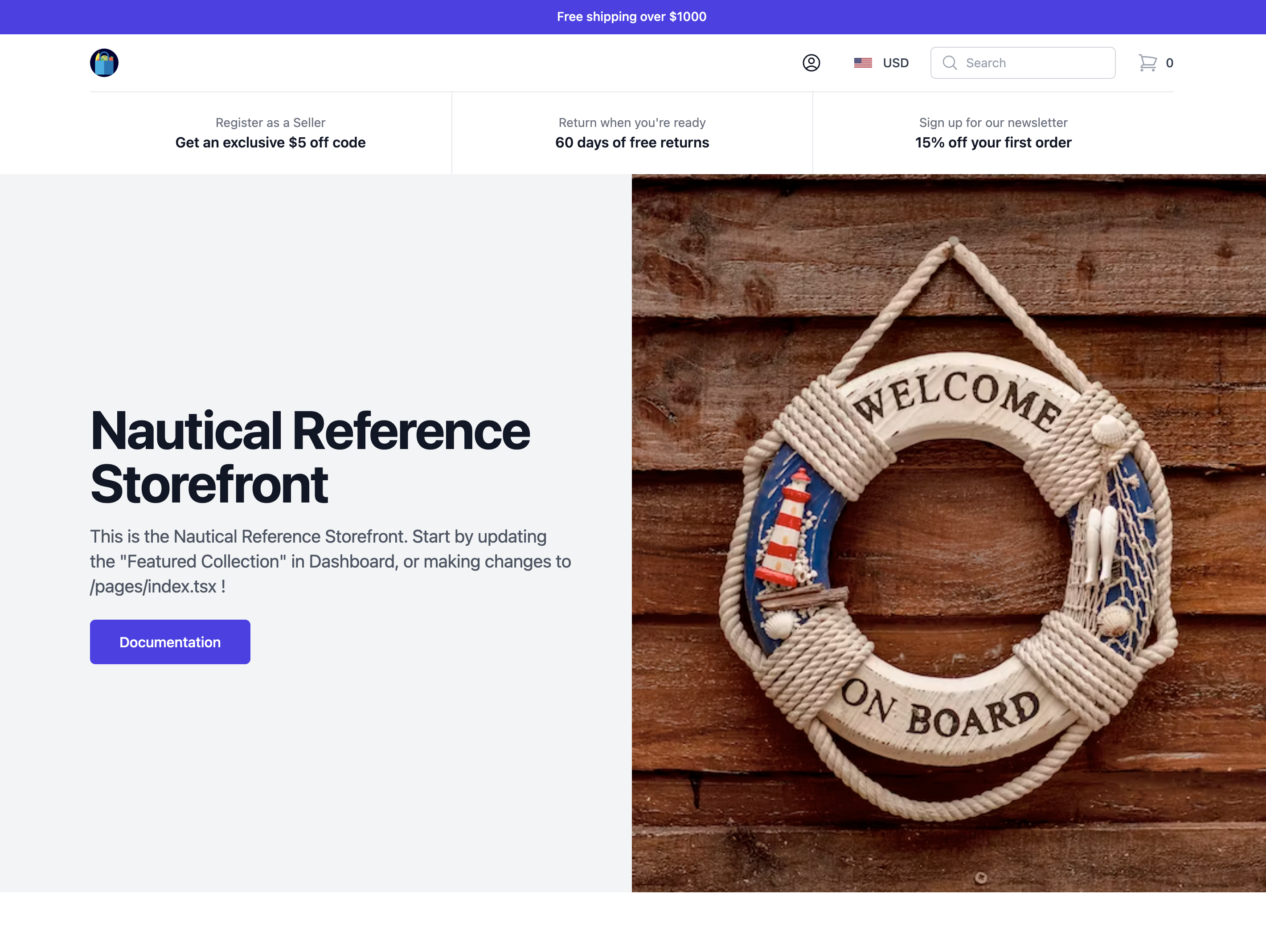
You can tailor the template to align with your brand identity and business needs, as well as implement additional workflows and features specific to your operations. Here's what it looks like when you first get started:
Developer skills
A developer working on the headless storefront should be familiar with the following technologies:
- GraphQL
- Next.js
- React
- TypeScript
- JavaScript
- CSS
- Git
Key components
The headless storefront provides the base functionality needed to operate a multi-vendor commerce platform. The following sections describe the features provided out-of-the-box.
Product browsing
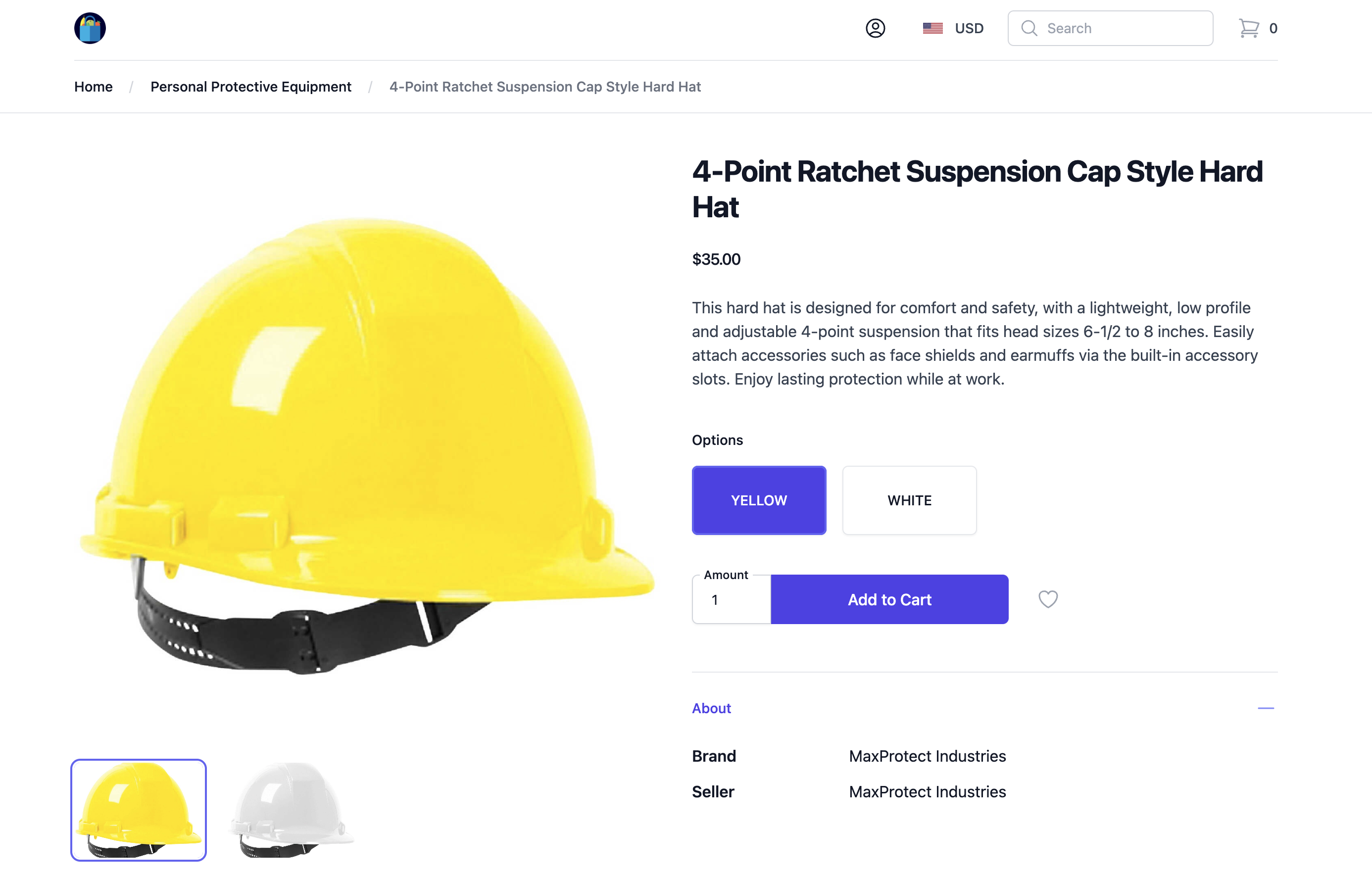
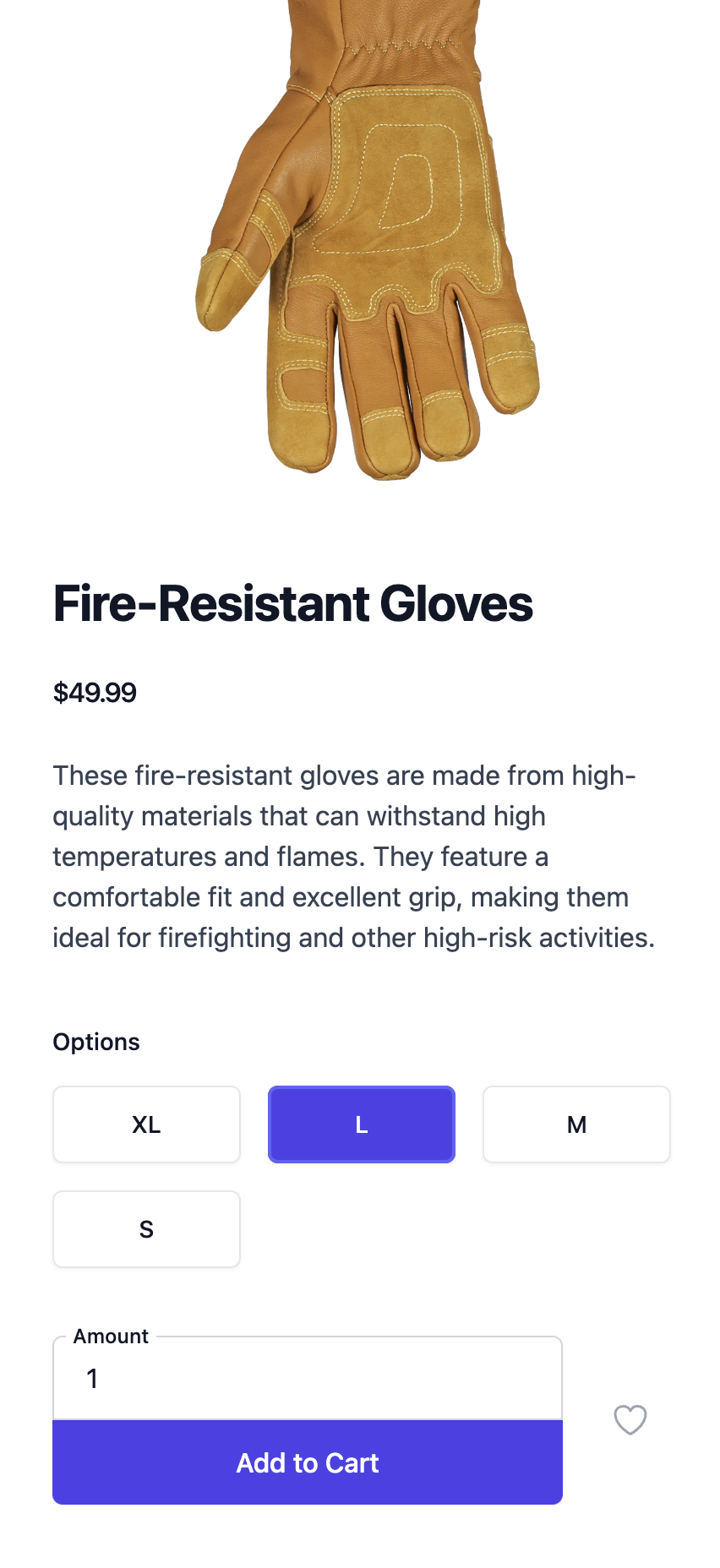
Product page
Navigate by products and clearly view all variants (options) available.
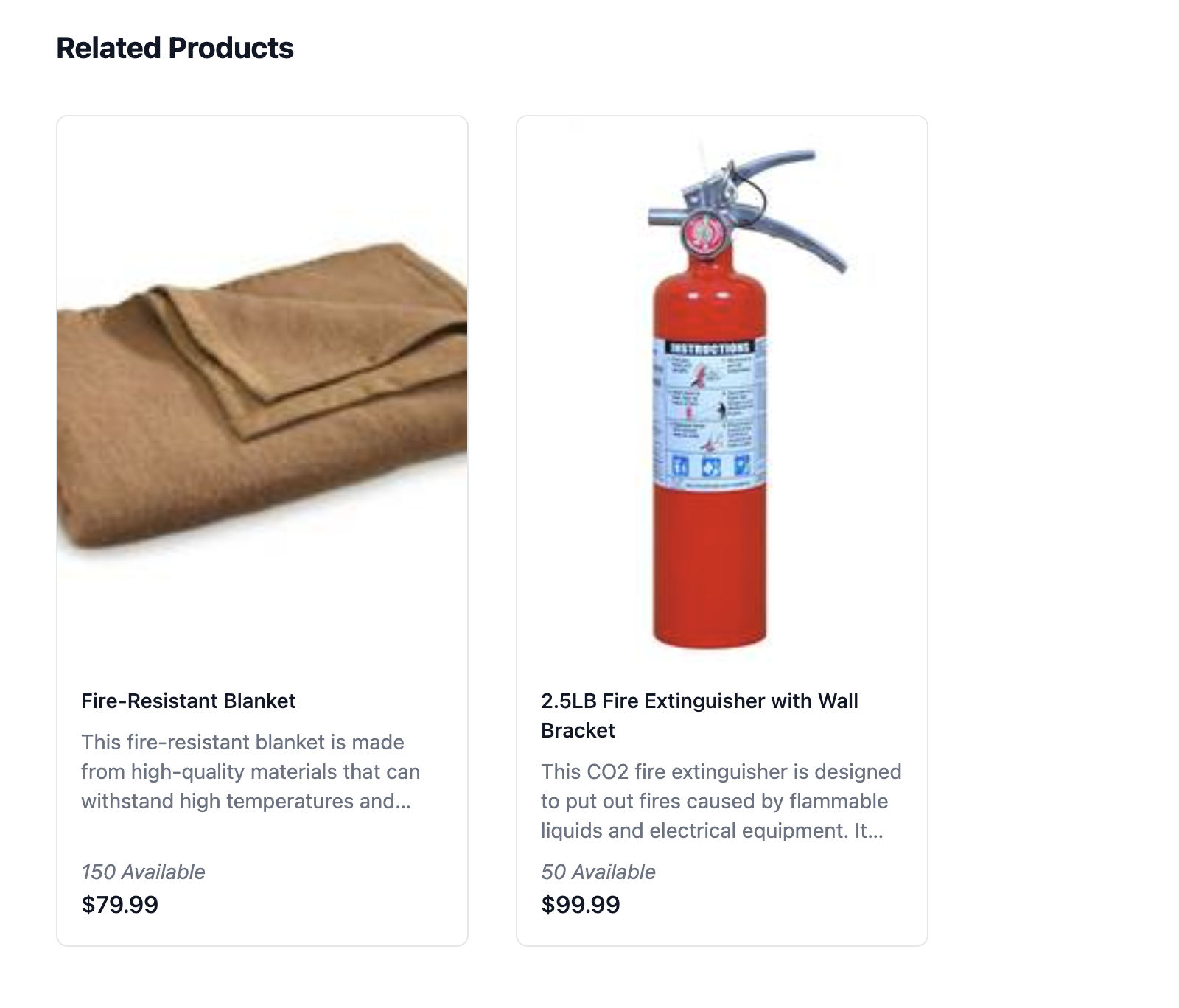
Related products
View related products within the same category from a product page.
Featured collections
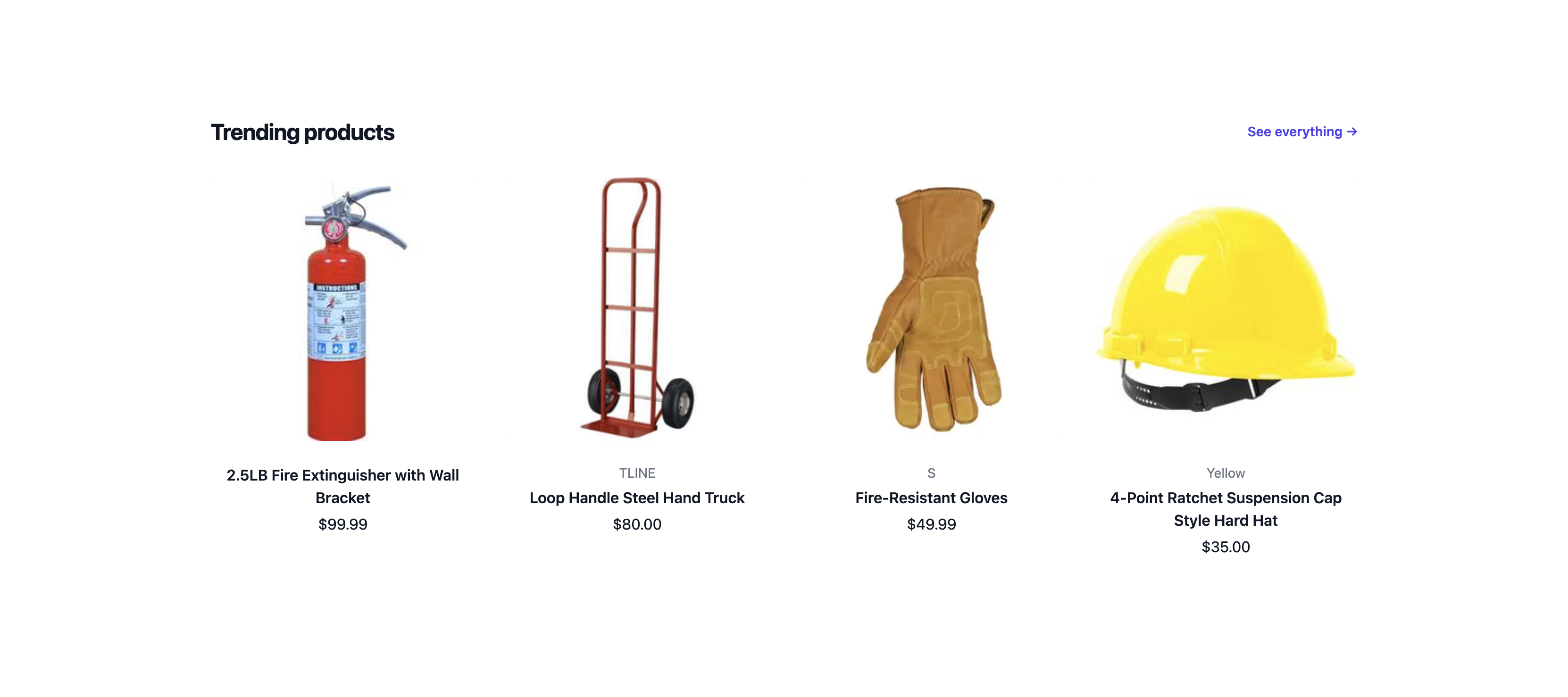
Showcase trending products and curated collections.

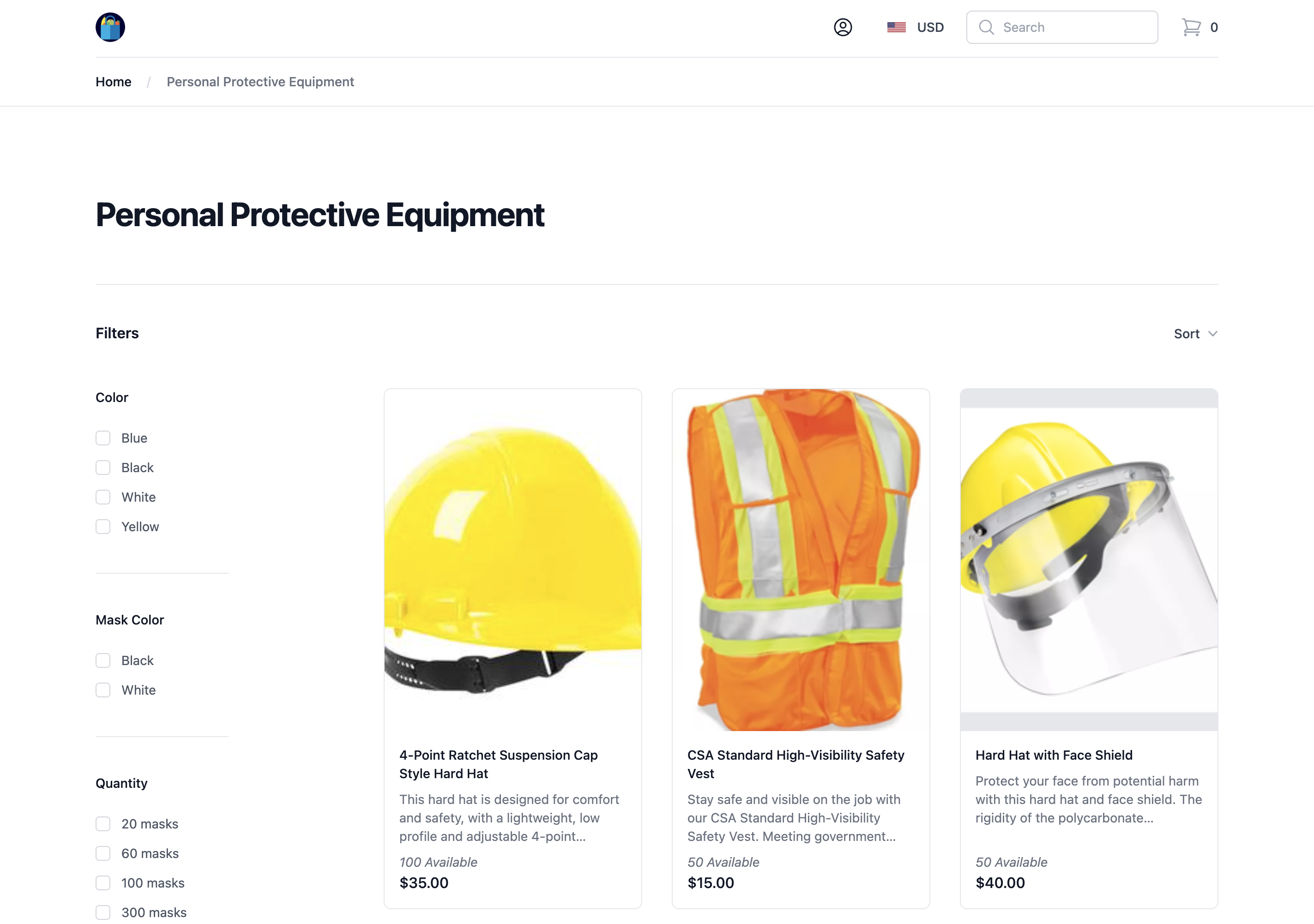
Filters
Narrow down products by filtering on the various available attributes.
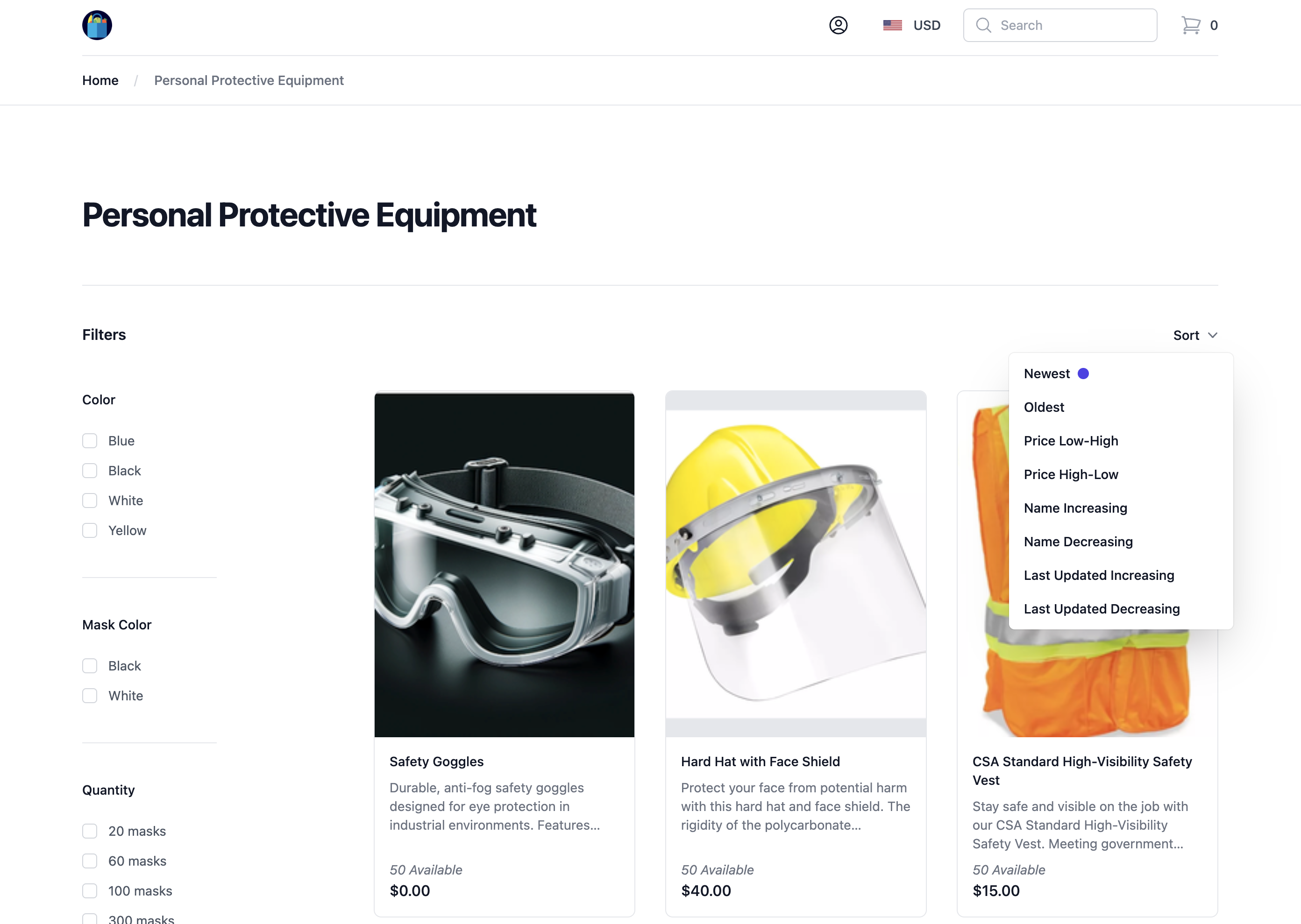
Sorting
Sort products by name, price, new arrivals, and so on.
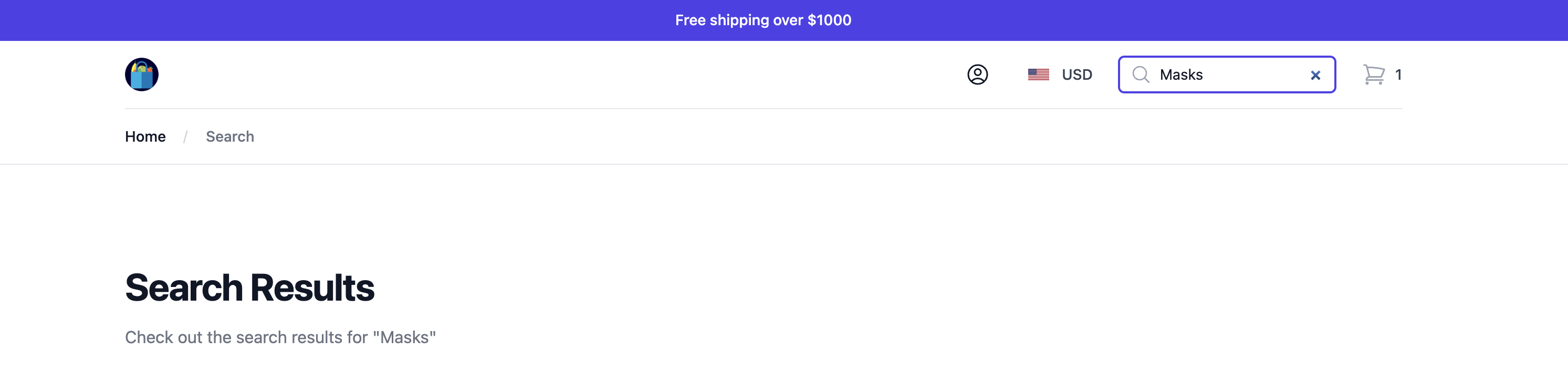
Search
Allows buyers to quickly search for products and their variants using keywords or product names.
Currency
For multi-currency environments, buyers can select the currency they want to see product prices in. You can set the default currency as part of your storefront configuration.

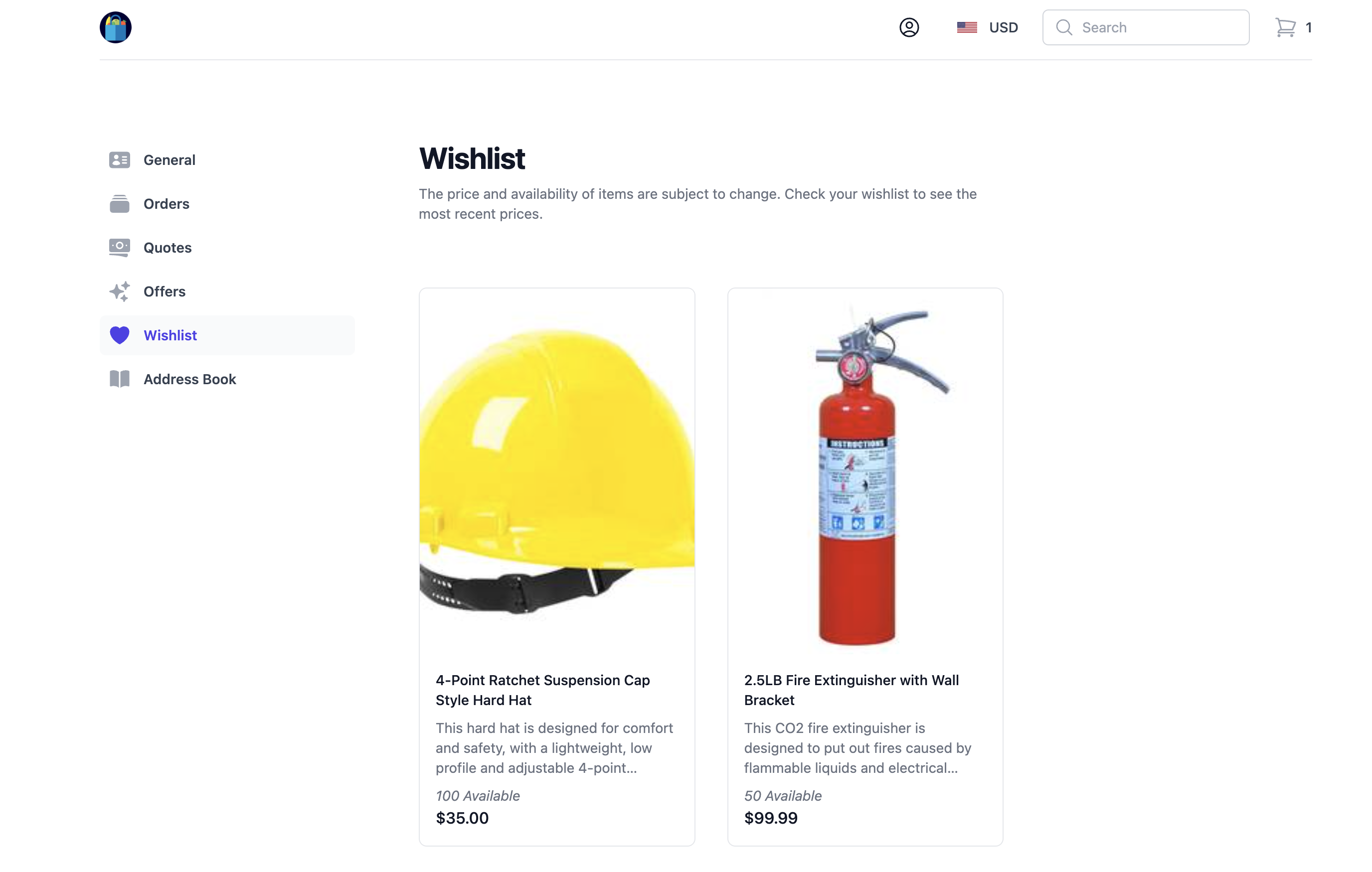
Wishlists
Logged-in customers can add items to their wishlist to save them for later.
Account management
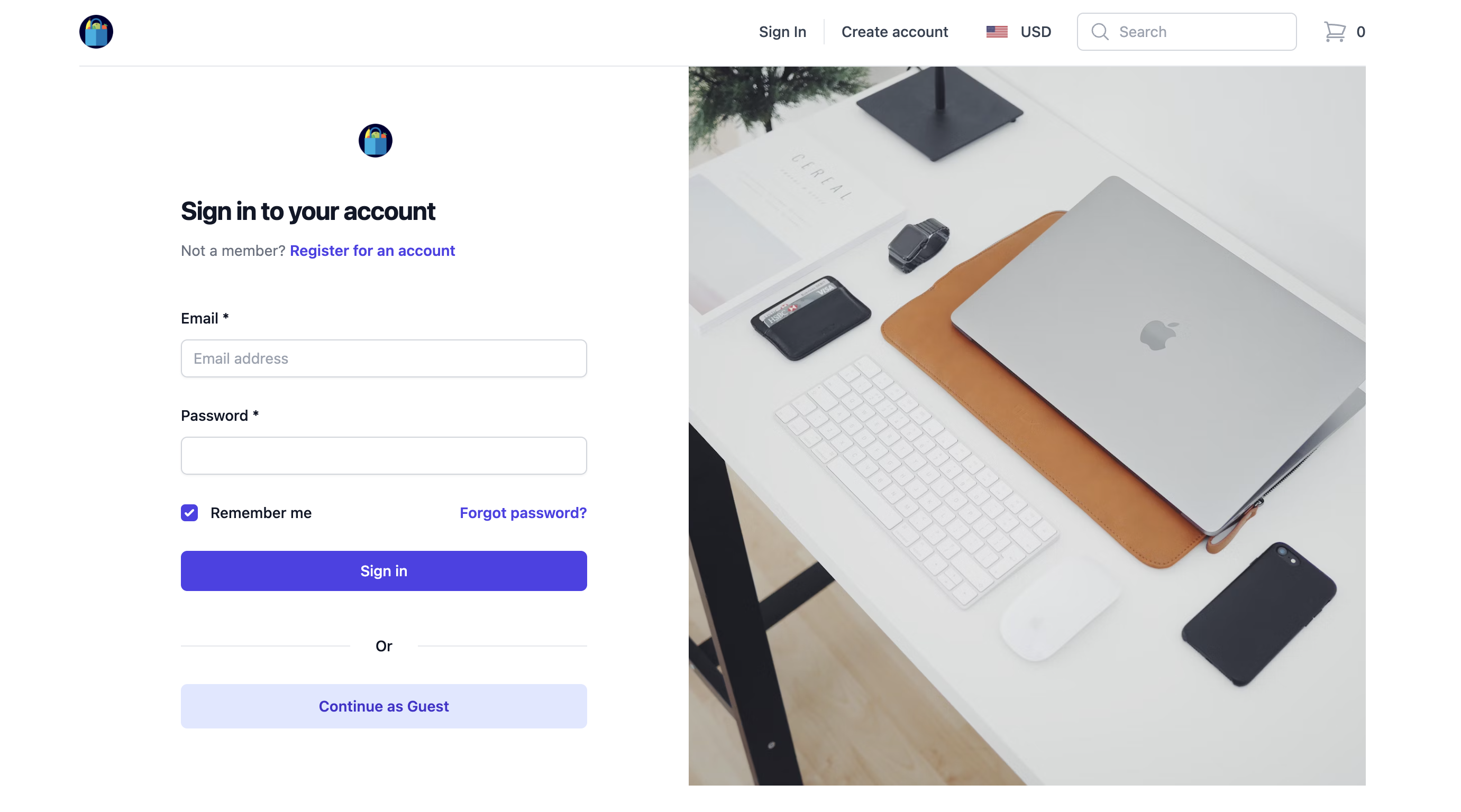
Customer sign-up
Visitors can register for a customer account for a more personalized shopping experience.
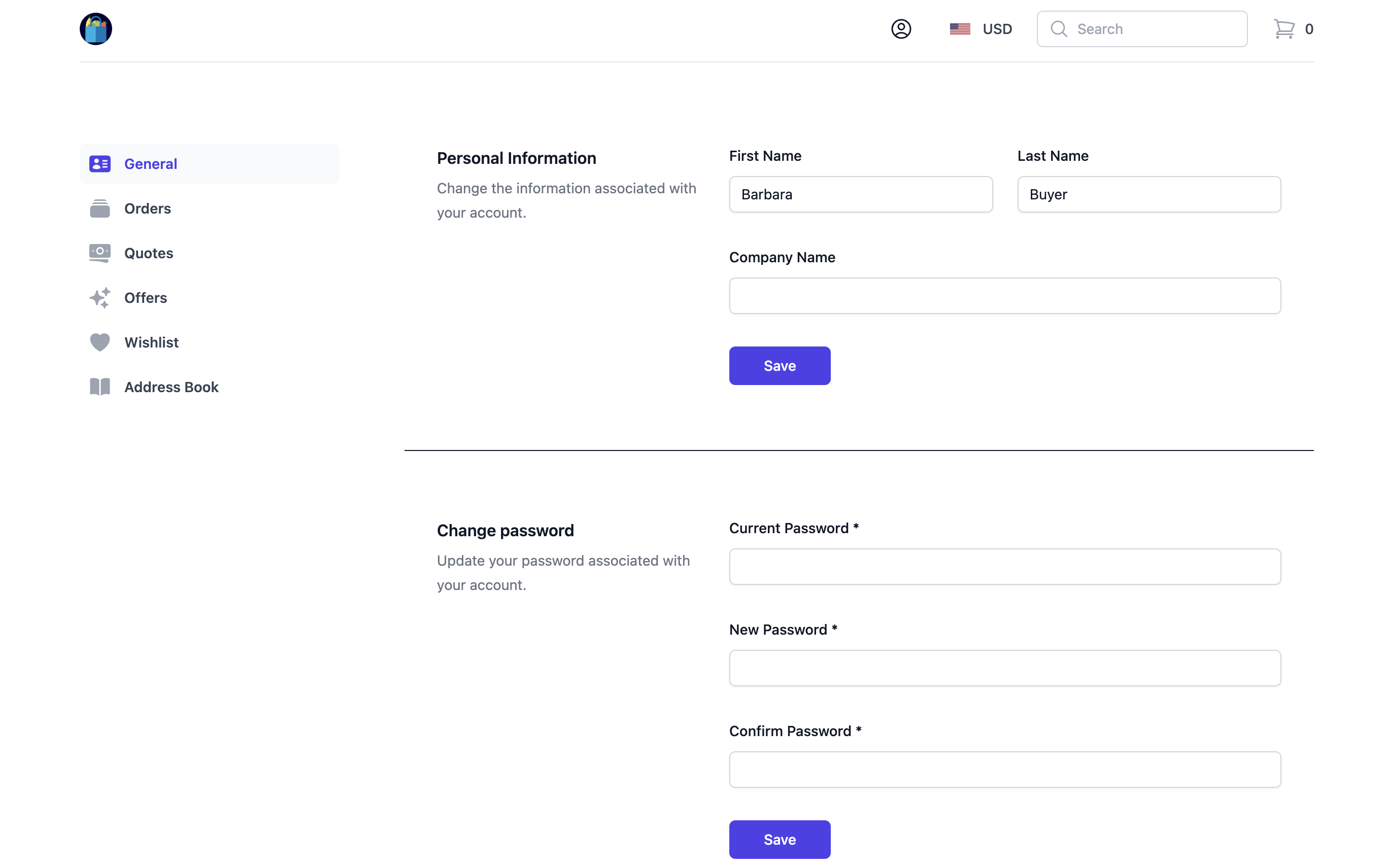
Account holders
Account holders can manage their personal information and expedite the checkout process by using saved shipping addresses.
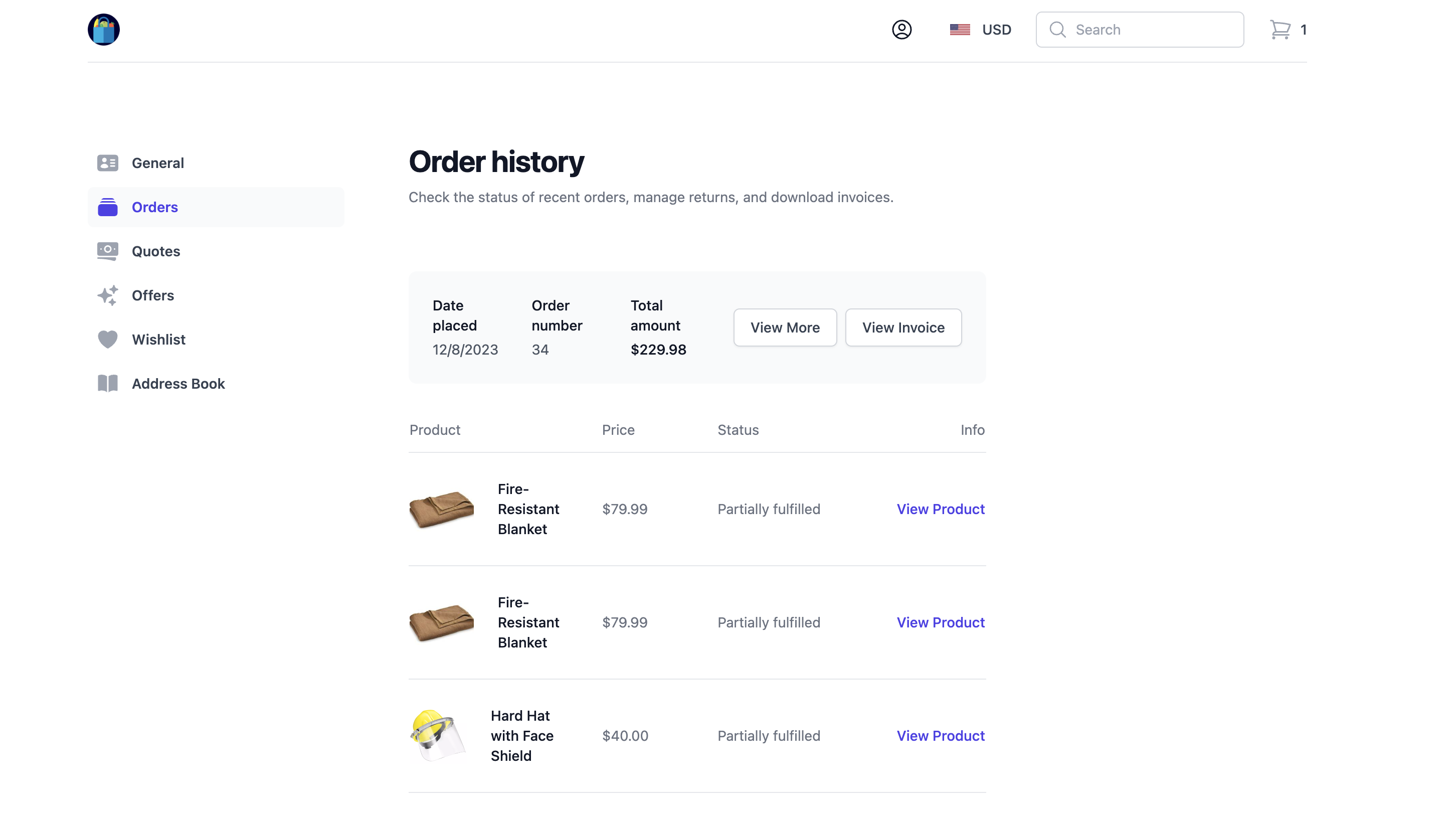
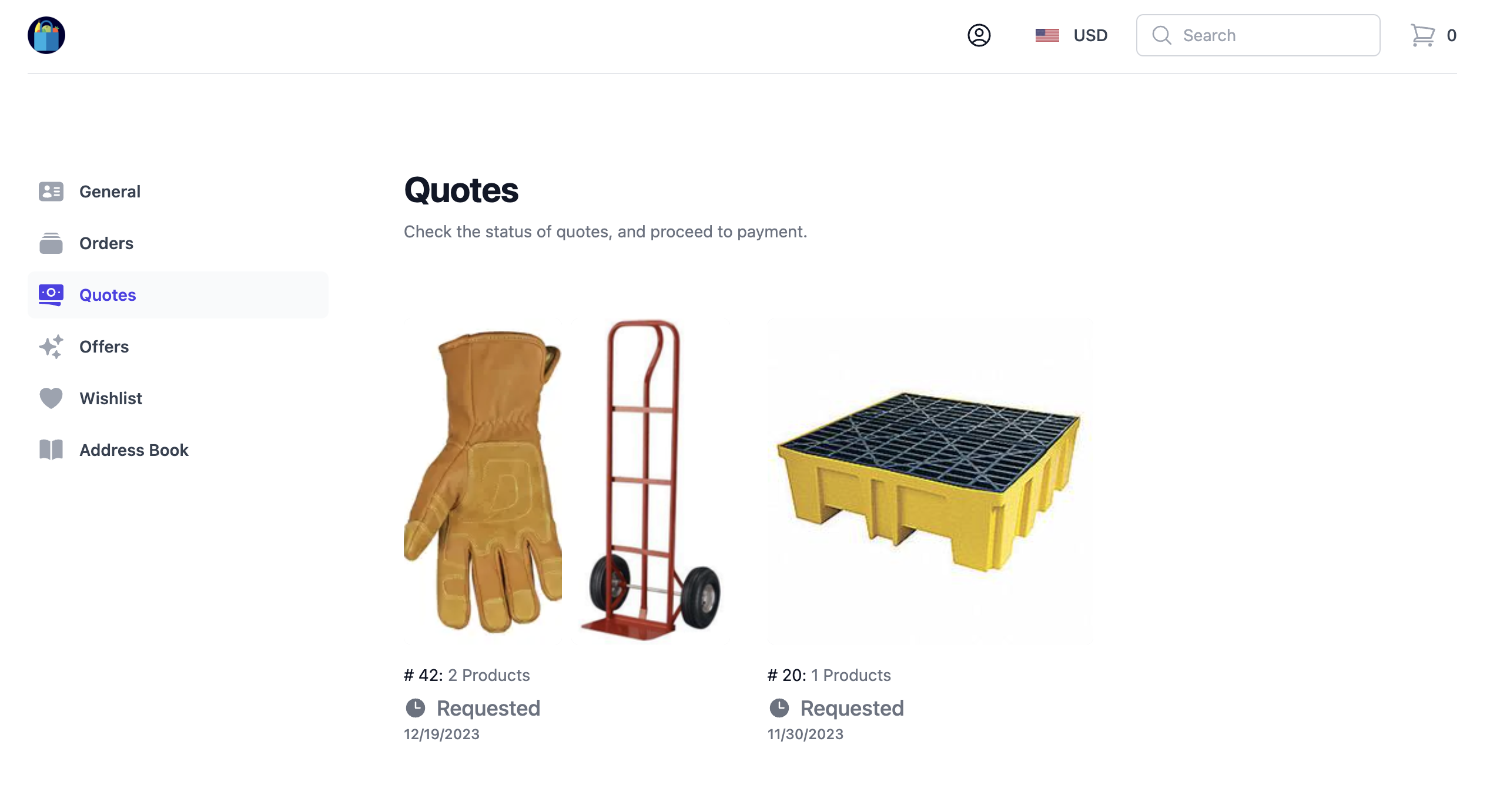
Order and quote history
Account holders can view their order history for both quotes and completed orders.
- Order
- Quote
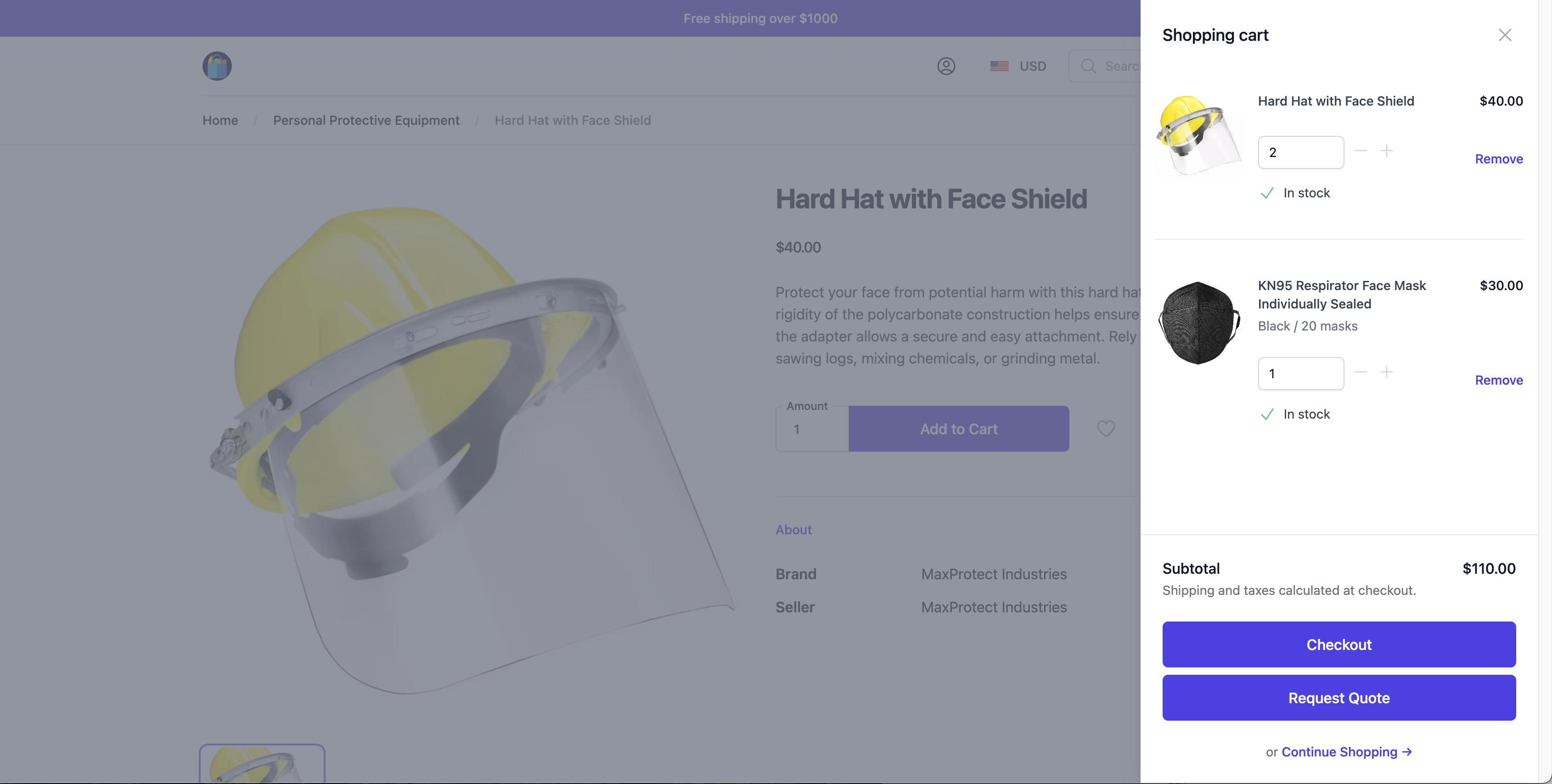
Shopping cart and checkout
Buyers can add products to the cart, view the items in the cart, and make any necessary adjustments, such as changing quantities or removing items, before proceeding to checkout.
Buyers can proceed with traditional checkout and payment, or request a quote.
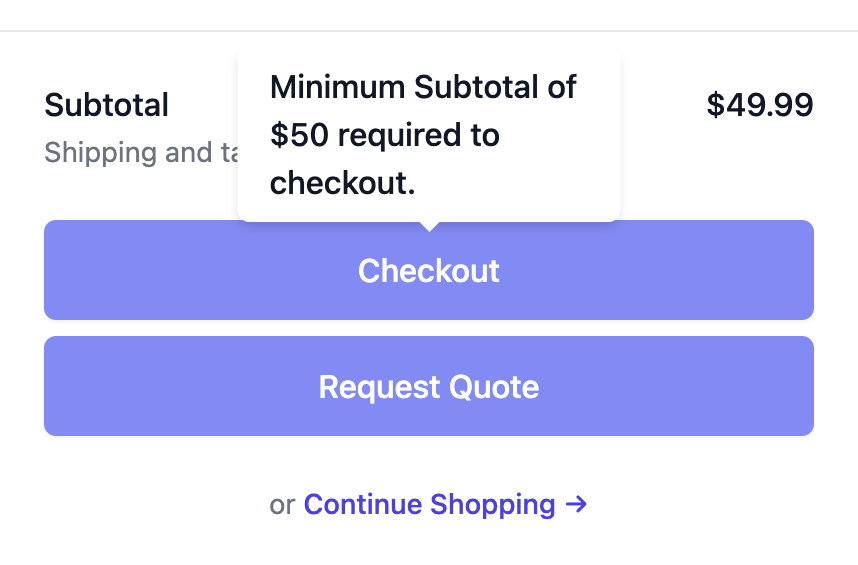
Order minimums
You can optionally enforce minimum order requirements for both standard orders and quotes.
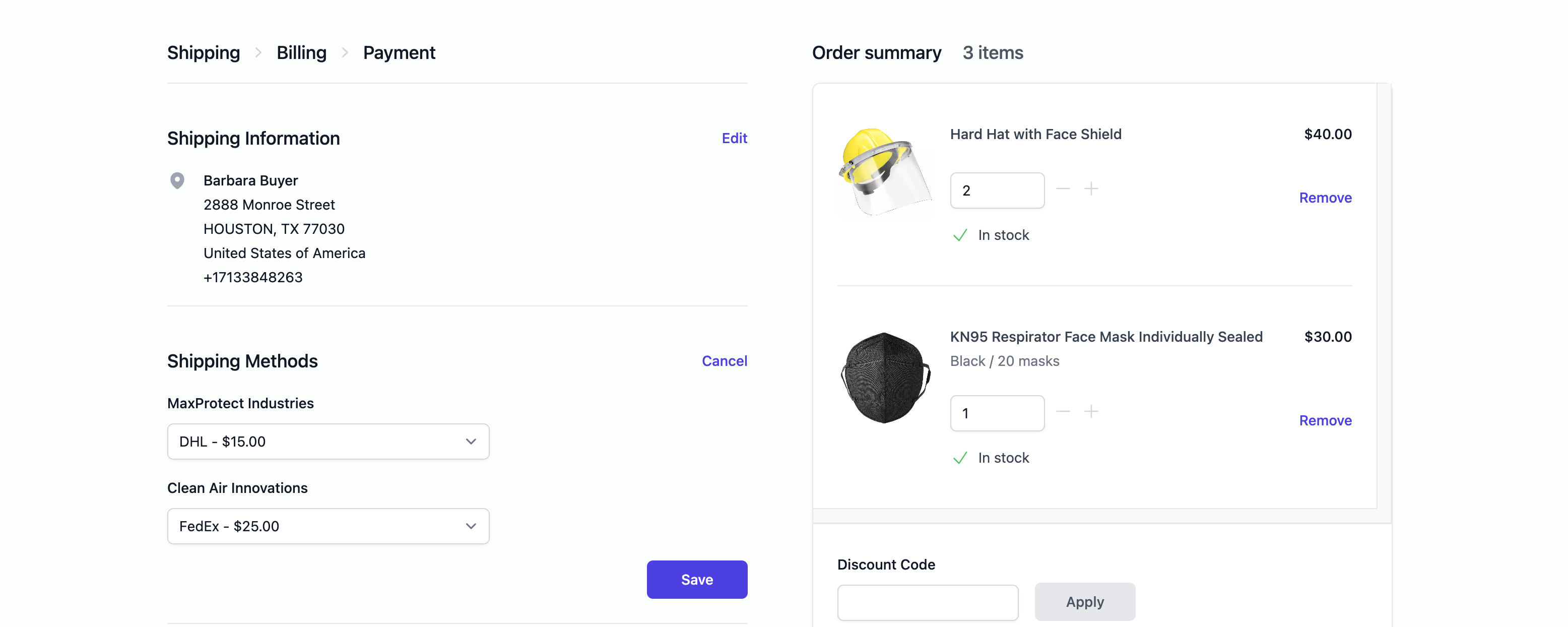
Multi-seller shipping
Buyers can choose from different shipping methods and rates for each seller during the checkout process.
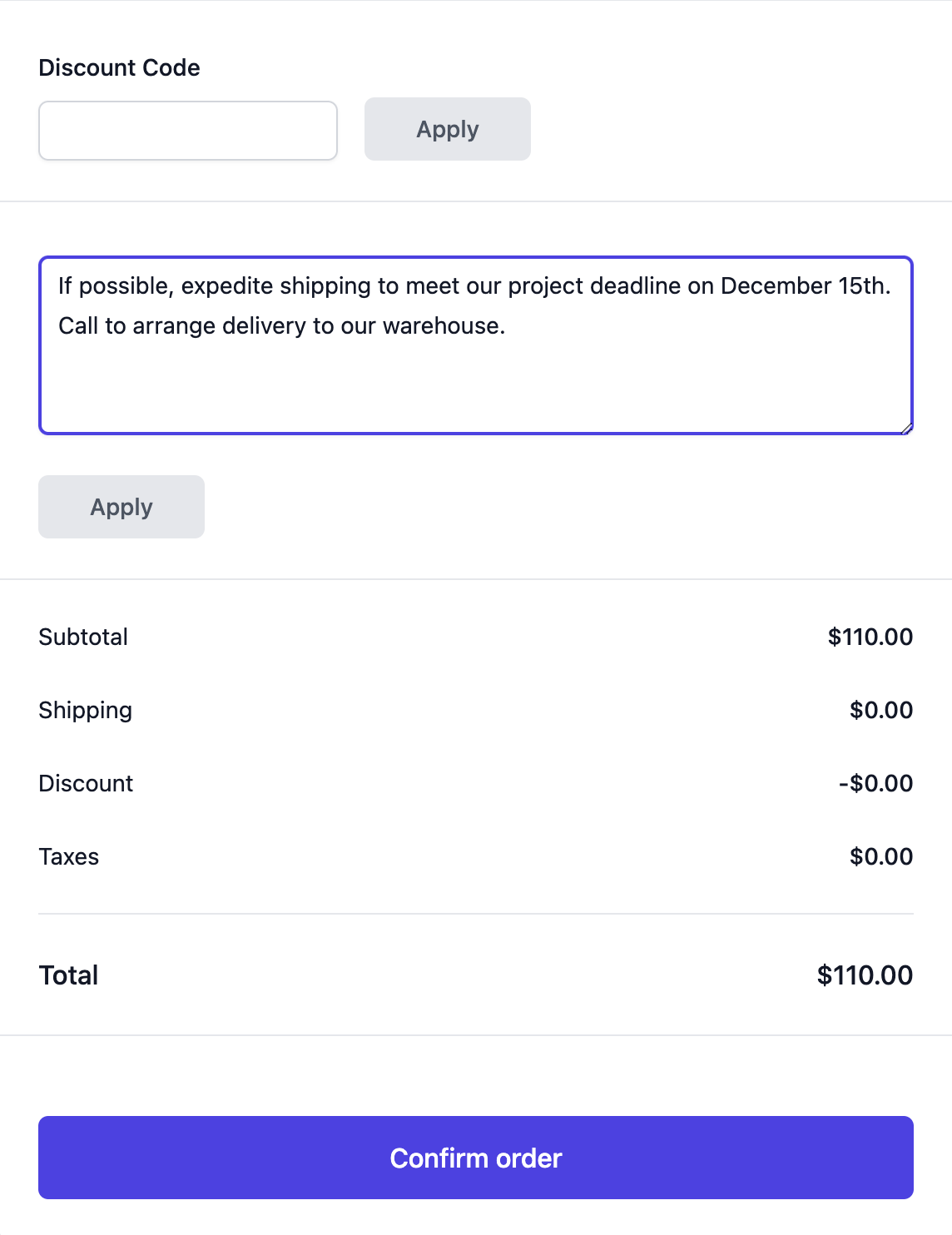
Order notes
Buyers can enter order notes during checkout, which will be displayed in the resulting order.
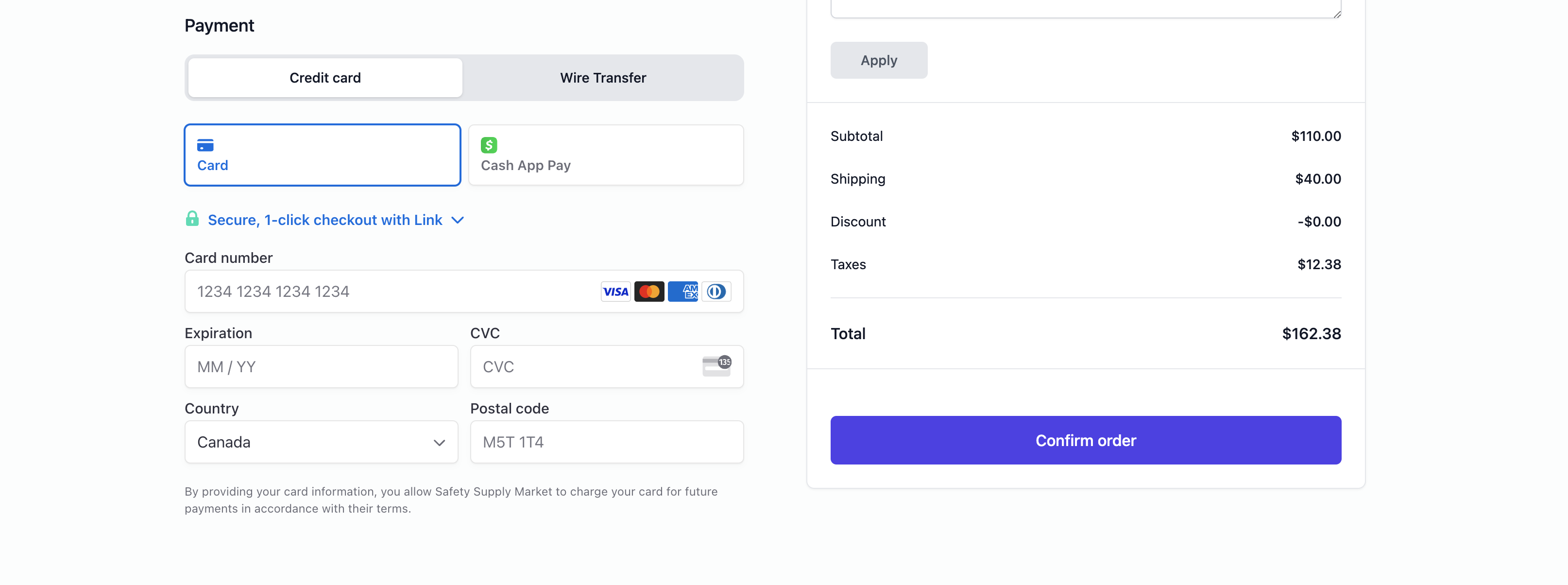
Payments
You can enable payment options, such as Stripe, or Manual Payments, which will appear in the checkout page when enabled.
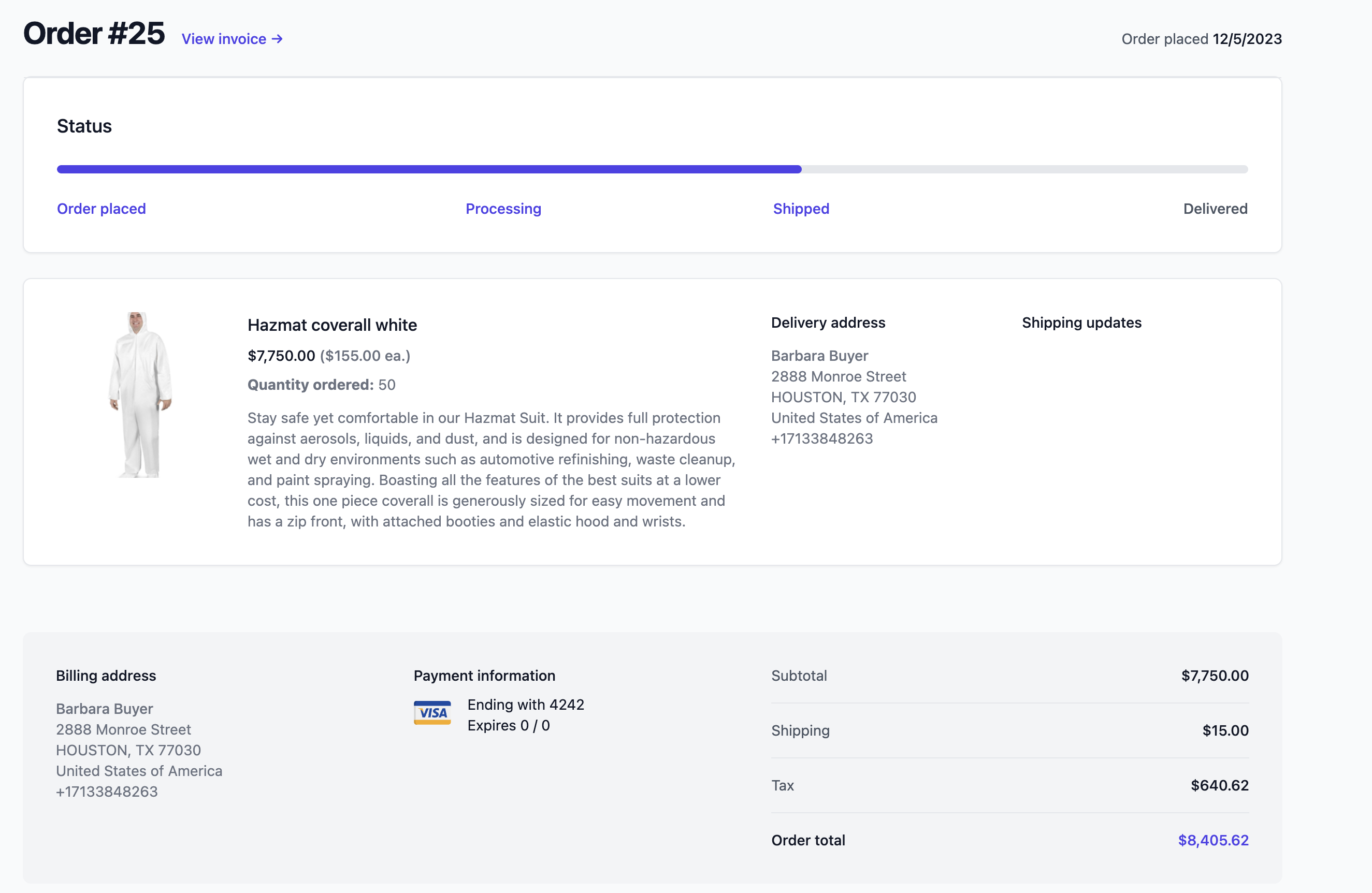
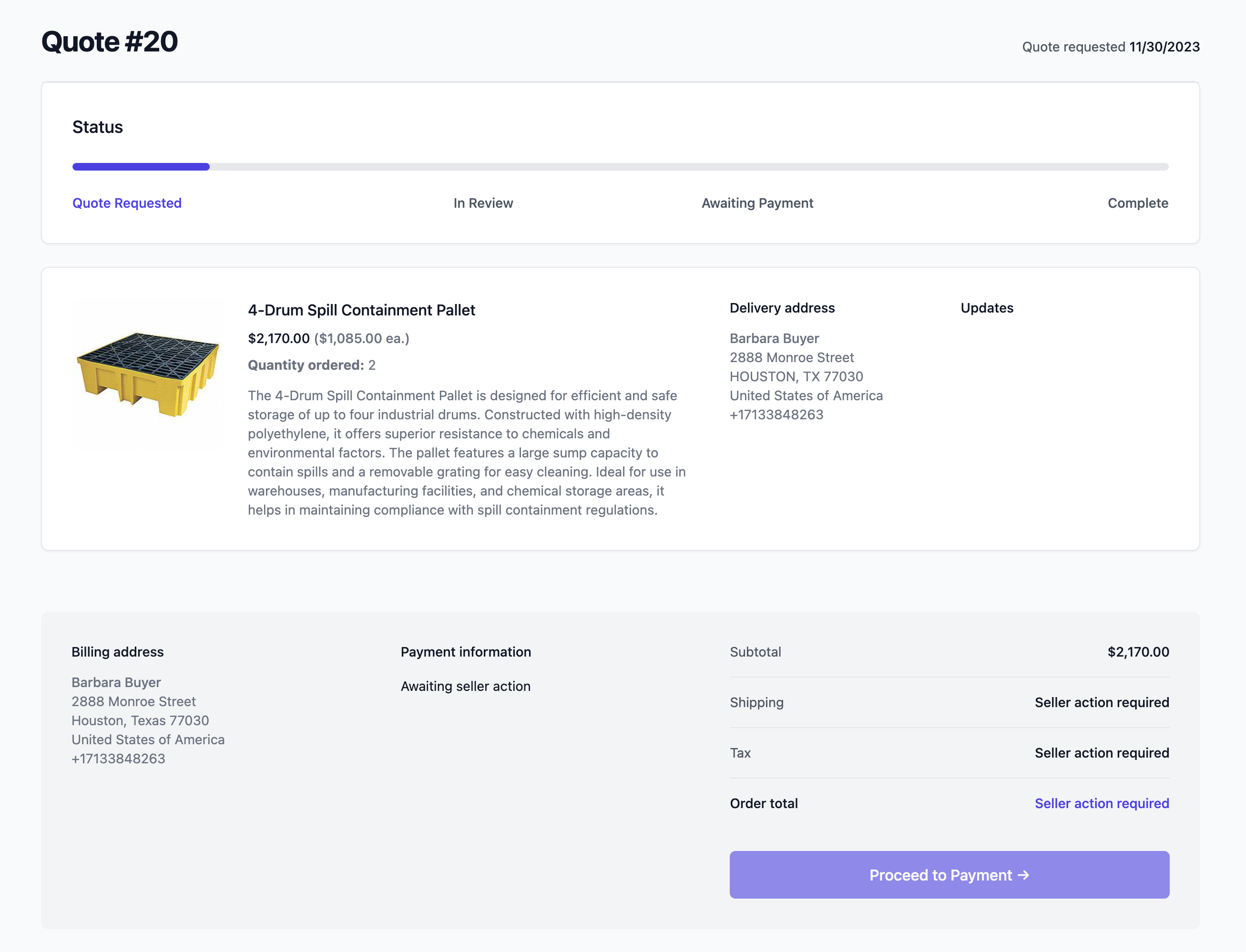
Order and quote status
Buyers can track the status of their orders and quotes.
- Order
- Quote
Mobile-friendly design
The headless storefront is fully responsive and provides an optimal viewing experience on a variety of devices including desktops, tablets, and smartphones.
Navigation
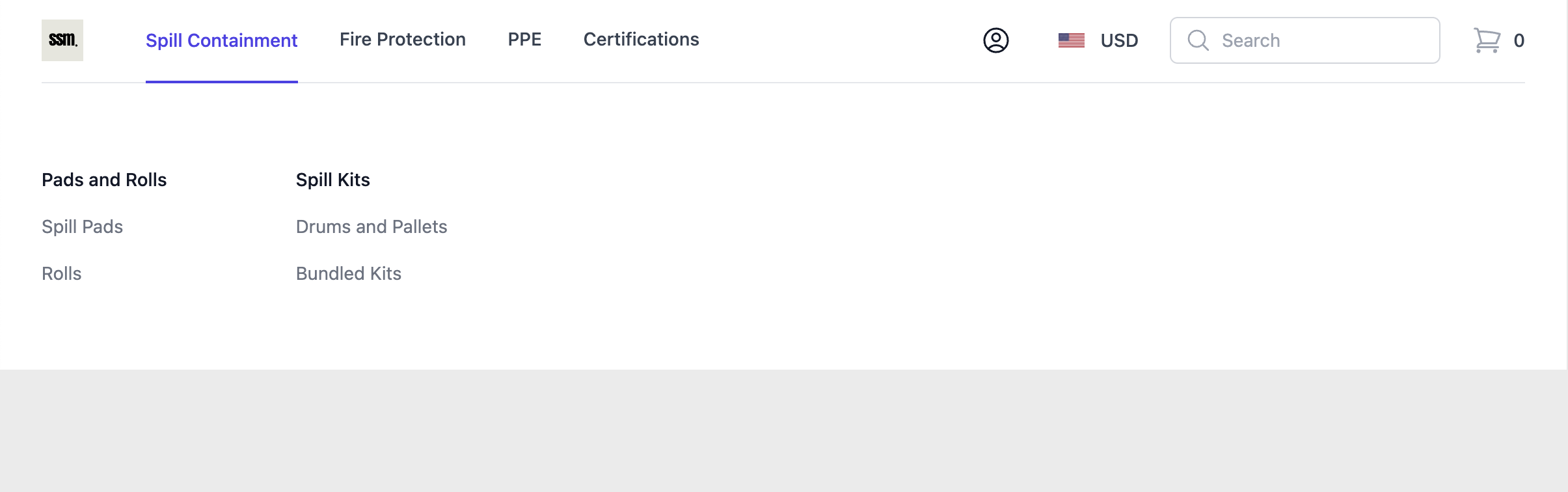
Navbar
By default, the primary navigation bar is automatically populated with the main menu links configured in your Storefront -> Navigation settings.
Footer
By default, the footer links are automatically populated with the footer menu links configured in your Storefront -> Navigation settings.

Breadcrumbs
Breadcrumbs on pages provide a hierarchical representation of the website’s structure, helping visitors and search engines understand and navigate through different levels of categories and products easily.